
Responsive HUD
Fit a Unity overlay to the usable screen area.
On this page
Responsive HUD Canvas fits an overlay inside the usable area of the screen. This helper is separate from the Abraxas Dialogue System package. Quick Start uses Unity’s built-in Canvas Scaler.
Set up an overlay#
- Set the Canvas to Screen Space - Overlay and its Canvas Scaler to Constant Pixel Size.
- Add Responsive HUD Canvas. Create a stretched child RectTransform and assign it to Safe Area.
- Put the visible interface under that child.
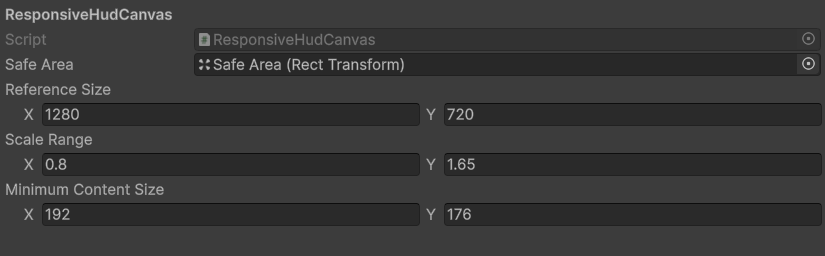
- Reference Size sets the starting size for scaling.
- Scale Range limits how far the overlay grows or shrinks.
- Minimum Content Size keeps room for controls at small sizes.
Test before tuning
Try a narrow Game view with a long line and several choices. Check that the text wraps and the last choice is reachable.